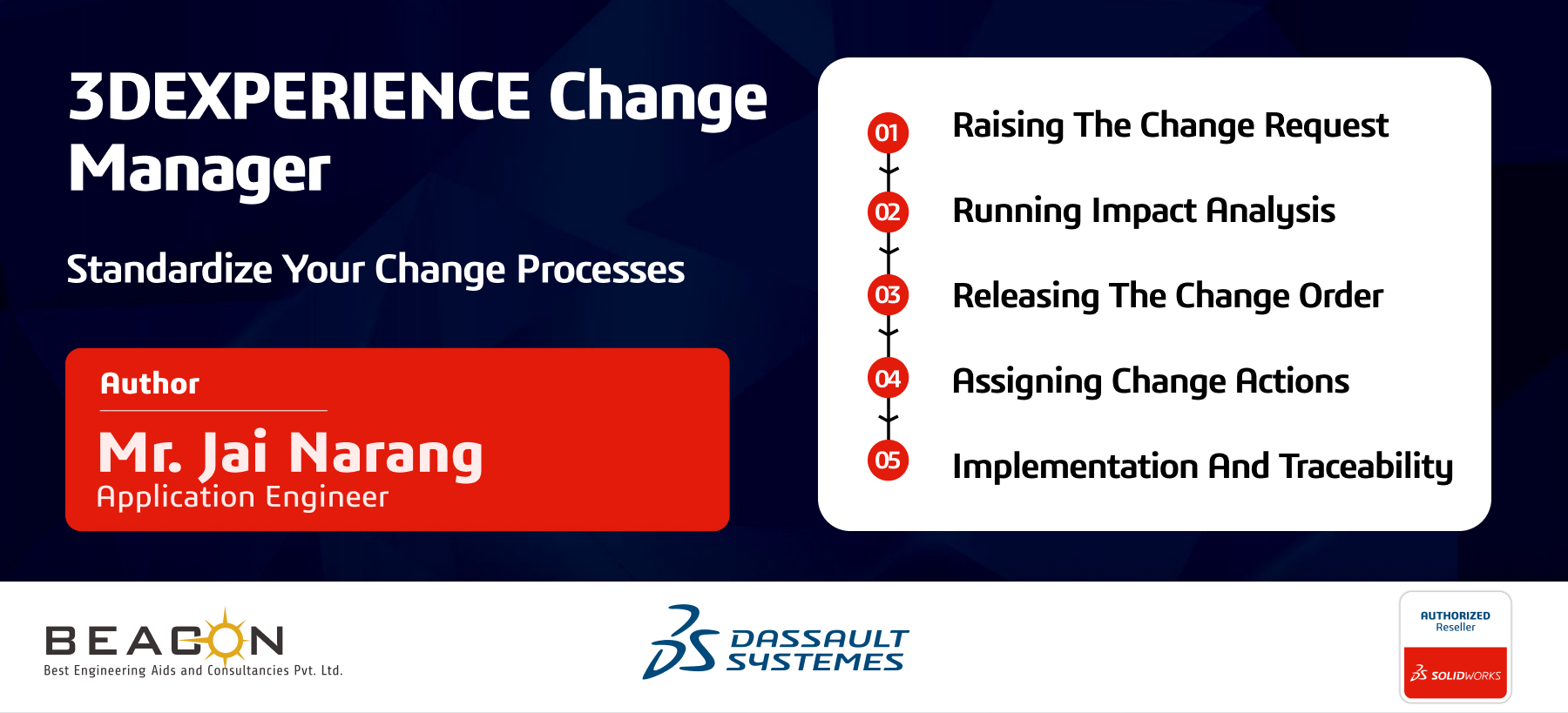


3DEXPRIENCE Change Manager
Standardize your change processes
The 3DEXPERIENCE Change Manager capability addresses a common challenge: engineering and product changes are often complex, risky, and difficult to coordinate across multiple teams. It helps organizations manage those changes more effectively by providing:
To understand this better, let’s look at a simple example. Imagine a company deciding to launch a new smartphone in a signature Sunset Orange colour. Even a seemingly minor design change like this can create ripple effects across multiple departments. The 3DEXPERIENCE change management process helps control those challenges in a structured way.
Step 1: Raising the Change Request
In many organizations, a colour change might begin as an email thread that gets forwarded from one person to another, eventually turning into a confusing mix of interpretations. Was it orange, peach, or something completely different?
With 3DEXPERIENCE platform, the process starts with a Change Request (CR). This captures both the need for the change and the reason behind it and connects that information directly to the 3D product data. Instead of scattered messages or unclear instructions, everyone works from the same validated source.
A smartphone may contain hundreds of individual components, so even a small change can create unexpected issues if it is not formally tracked. Without a clear request, one team might update the body colour while another keeps an old component specification, leading to inconsistent results.
Fun FACT: Did you know a single smartphone can have over 500 individual components? Without a CR, you might end up with an orange body and a black SIM tray because “Dave from Procurement” missed the memo.
Step 2: Running Impact Analysis
This is where the Change Manager plays a critical role. Instead of making assumptions, the platform helps identify the actual scope of the change through Impact Analysis or “Where Used” analysis.
For example:
The advantage is that the Change Manager can identify all related objects, from the 3D model to simulation results and assembly instructions, ensuring that no affected team is overlooked.
Step 3: Releasing the Change Order
Once the impact is reviewed, the Change Order (CO) becomes the formal decision point. It acts as the central control mechanism for the change process and ensures that the right stakeholders approve the update before it moves forward.
This is not just a simple approval button. The workflow can be arranged so that one activity depends on another. For example, the factory should not order the orange paint until the antenna-related simulation and other critical checks are approved. This closed-loop approach helps prevent expensive mistakes and keeps the process under control.
Fun FACT: A single surface change on a phone can trigger multiple validation rounds, because a new finish or material may affect antenna behaviour, thermal performance, and assembly tolerances.
Step 4: Assigning Change Actions
The actual work happens through Change Actions (CA). Designers and engineers do not simply edit product data directly; they work under specific approved actions.
This provides several benefits:
This makes the process much easier to manage and review later, because every update is connected to the same change initiative.
Step 5: Implementation and Traceability
Months later, if a batch of orange phones starts showing paint issues near the charging port, the team does not need to guess at the cause. They can go back through the audit trail and review the full history of the change.
The system allows them to track the change maturity from Draft to In Work, then to Frozen, and finally to Released. If the root cause turns out to be a primer change made by a supplier at a specific point in the process, that detail can be identified quickly and accurately.
Instead of reacting blindly, the team can trace the issue back to its source and fix it with much greater confidence.
Why It Matters
Without a structured change management process, even a product launch can become risky and expensive. A small decision may affect manufacturing, supply chain, quality, and customer experience in ways that are not immediately visible.
By using structured governance, cross-functional impact analysis, and automated traceability, the 3DEXPERIENCE Change Manager helps teams stay agile without losing control. It gives organizations the flexibility to respond to change while maintaining the discipline needed for reliable execution.
In simple terms, it helps you move fast, stay accurate, and avoid costly surprises such as discovering too late that 50,000 orange phones won’t connect properly to Wi-Fi.
Reach out to us to learn how we can help implement a change process for your product.
FAQs:
We Urge You To Call Us For Any Doubts & Clarifications That You May Have. We Are Eager to Talk To You
Call Us: +91 7406663589
Brigade Deccan Heights, 42, 14th Floor, 5th Mile, Tumkur Rd, Yeshwanthpur Industrial Area, Phase 1, Yeswanthpur, Bengaluru, Karnataka 560022
Rated 4.7/5 with a total of 62 reviews
#1120, 11th Floor, Solitaire business Hub - Baner, Balewadi High Street, Baner, Pune-411045
Rated 4.7/5 with a total of 17 reviews
801, 8th Floor, LODHA Supremus, I-Think Techno Campus,Kanjurmarg EAST - MUMBAI, MH, India – 400042.
Rated 5/5 with a total of 51 reviews
501, 5th Floor, Connekt Coworking Space, Gala Argos, Netaji Rd, Ellisbridge, Ahmedabad, Gujarat 380006
Rated 4.1/5 with a total of 7 reviews
Best Engineering Aids & Consultancies Ltd. No 306, Karunaa Conclave, 3rd Floor, AD Block, Shanthi Colony, Anna Nagar, Chennai - 600040
Rated 4.6/5 with a total of 16 reviews
A-101, 1st Floor, The Hub Complex, opp. Shete Hospital, Mahatma Nagar, Parijat Nagar, Nashik, Maharashtra 422005.
Best Engineering Aids & Consultancies Ltd (BEACON) Wellwork Workspaces, L1 - 1017A,B, Lower Ground Floor,Vasavi MPM Grand, Ameerpet, Hyderabad, Telangana 500073
2nd floor, Mokha Tower, Plot No.169, Mankapur Ring Rd, Trimurti Nagar, Nagpur, Maharashtra 440022


 Location